How to promote Christmas events at church: graphics, posts and a countdown plan

December at church is crowded. A Christmas party, a caroling night, a giving tree, a kids' pajama Sunday and Christmas Eve all want the same four Sundays of announcements and the same Instagram feed. Give every event its own look, then put them on one calendar so each gets its turn.
Give each event its own look
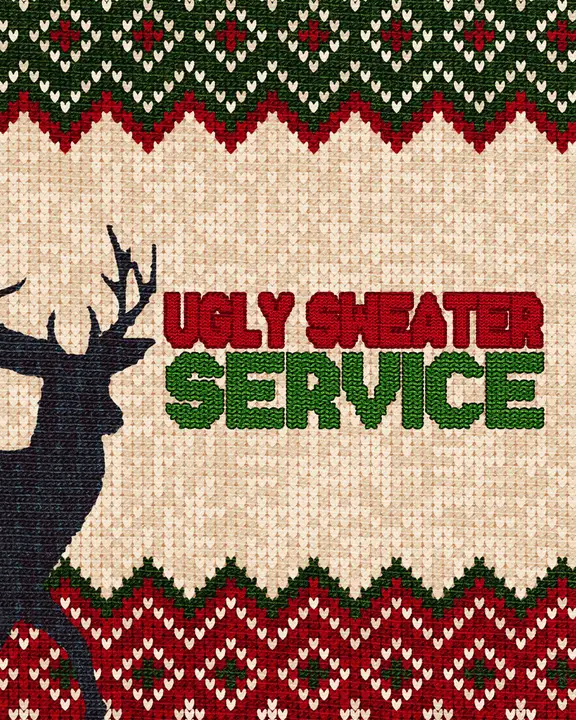
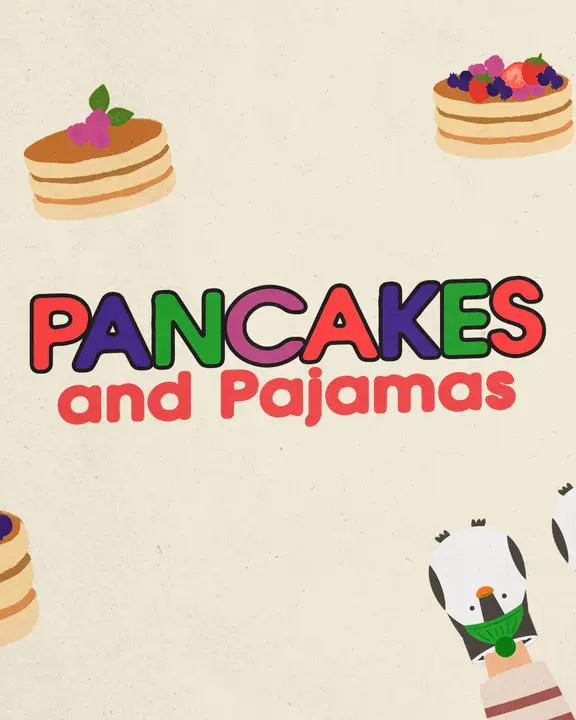
When every event uses the same red-and-green design, people can't tell the party from the service. Pick a different template for each event, so the ugly sweater party looks nothing like Christmas Eve. Then keep each event's pieces matched: the slide, the post and the story all come from the same pack.
one look per event



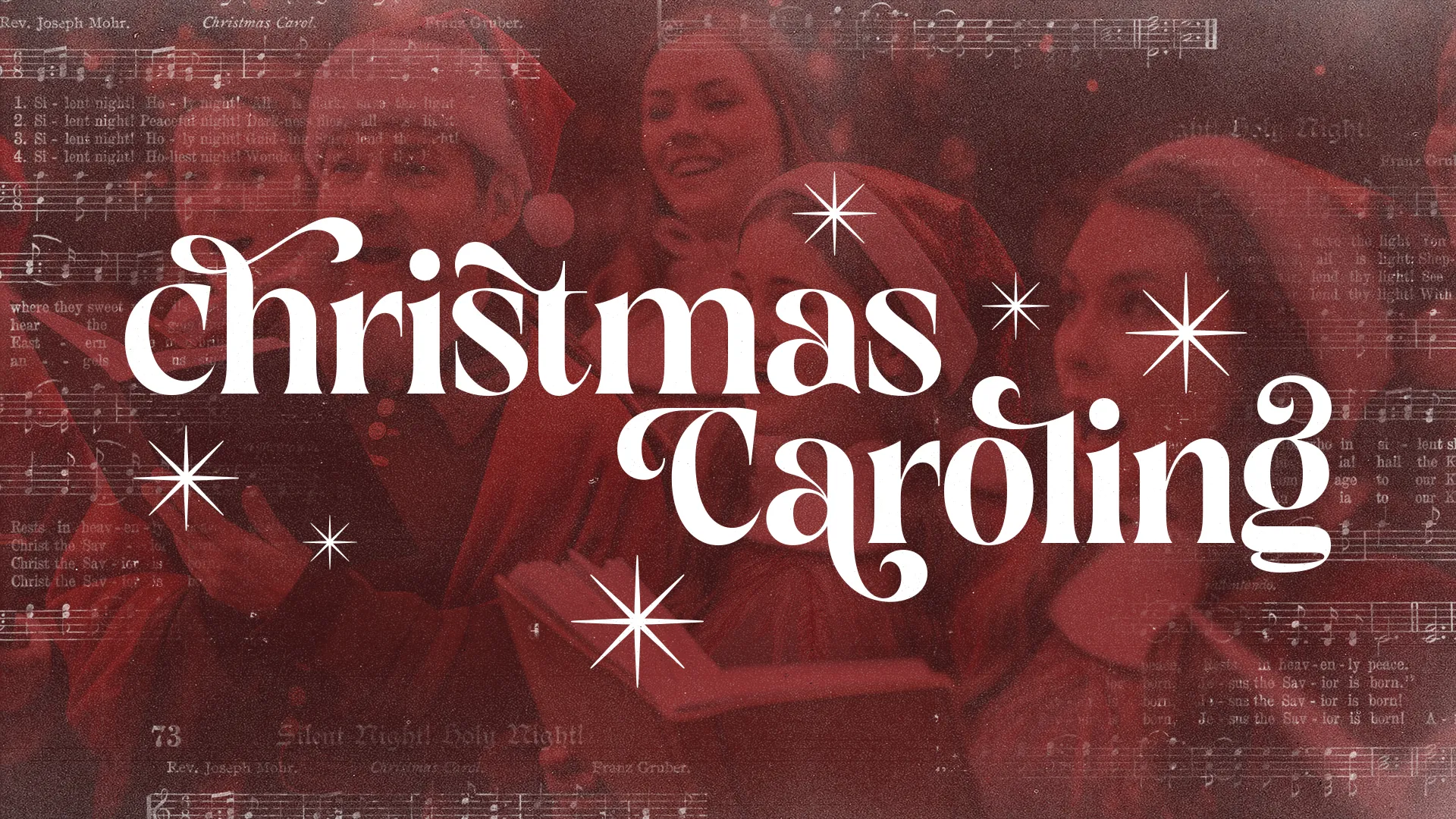

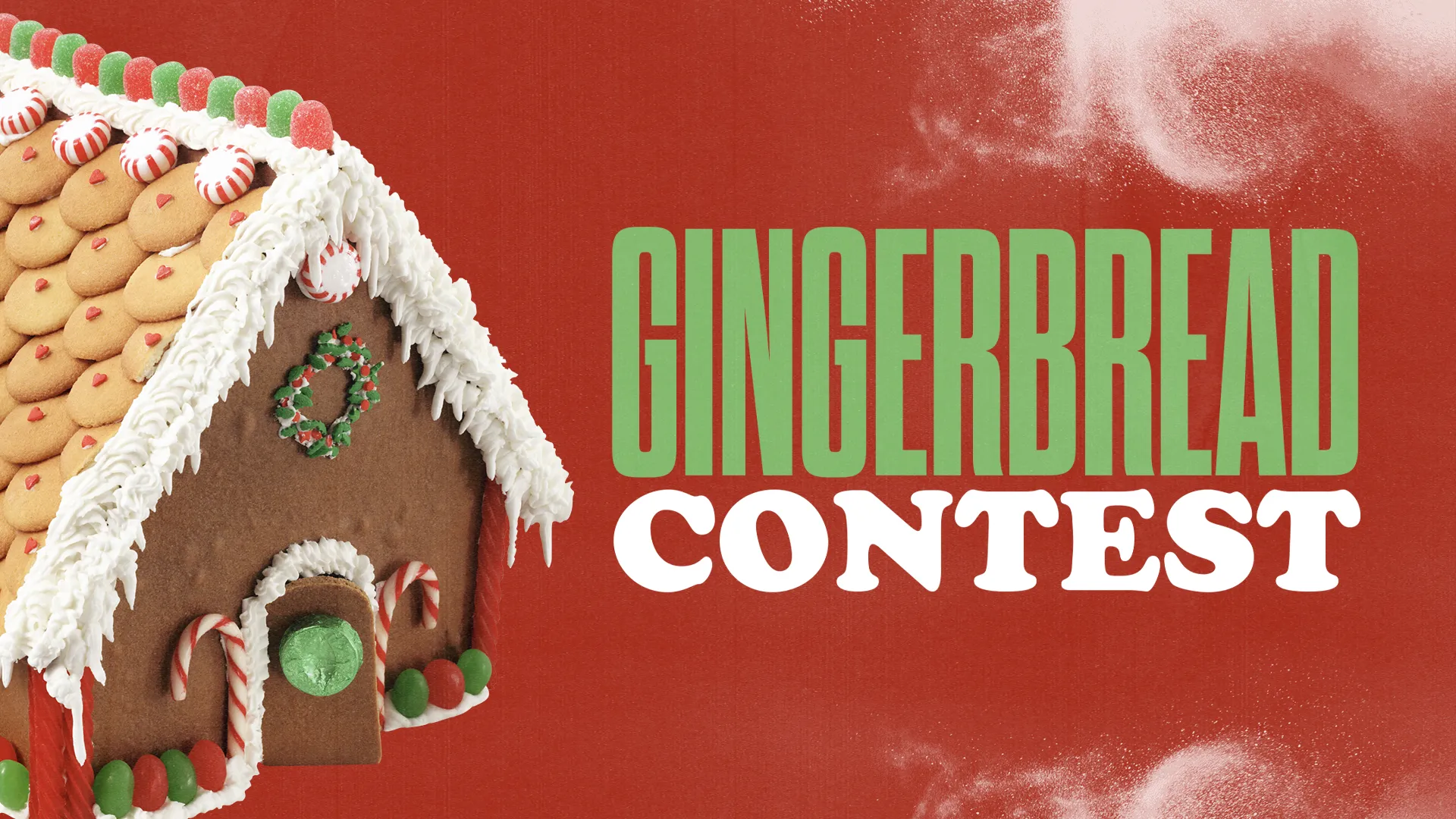
What each event needs
- An event slide. For the pre-service loop and the announcements. One slide per event, not one slide with four events crammed on it.
- A social post. The day sign-ups open, and again the week of the event.
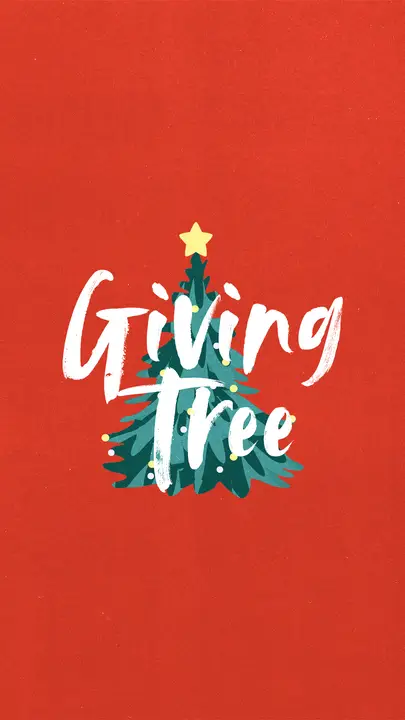
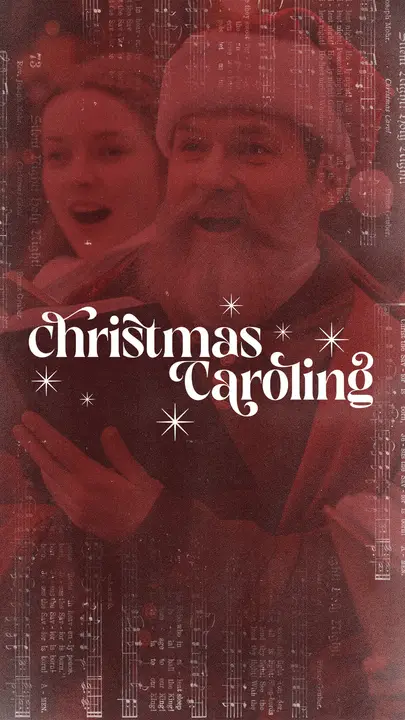
- A story. For reminders, with a link sticker to the sign-up page.
- A Facebook event. Use the title slide as the event image so it matches everything else.
- A lower third, if the event is on the livestream, like a carol sing or a kids' program.
the social post

A December countdown plan
Christmas Day 2026 is a Friday, so you have four Sundays: November 29 and December 6, 13 and 20. Give each Sunday one main event to push, and let the rest wait their turn.
- Sunday, November 29. Open the giving tree. Tags and gifts need about three weeks, so it goes first.
- Sunday, December 6. The Christmas party and any kids' event. Post the sign-up link that afternoon.
- Sunday, December 13. Caroling, a party reminder, and giving tree gifts due back.
- Sunday, December 20. Christmas Eve only. Everything else is done or nearly done.
Between Sundays, run stories. One story per event per week is plenty. Three days before an event, switch to a daily story with a countdown sticker.
the story


What to put on the graphic
- The name, big. "Christmas Party" or "Ugly Sweater Party." People should know what it is from across the room.
- Day, date and time. "Saturday, December 12, 6 pm."
- Who it's for. Kids, students, young adults, the whole family.
- What it costs, or that it's free.
- How to sign up. One link, in the caption or on a link sticker. Not on the image, where nobody can tap it.
Put the questions people ask (what to bring, whether kids are welcome) in the caption. The graphic gets people to stop. The caption answers them.
Getting it done
Most of our Christmas event templates come with the slide, social post, story, Facebook cover and lower third, as ready-made images and layered Photoshop files. Change the date and time and it's ready. Edit in Photoshop, in Photopea (free, in your browser) or in Remix Studio, our browser editor, where 700+ templates open ready to edit on the Standard and Pro plans.
Browse every Christmas template or the events category. For the biggest night of the month, see Christmas Eve service graphics.