Christmas Eve service graphics: every slide, post and invite you'll need

A Christmas Eve service needs about eight graphics: a title slide, a blank background for lyrics, a notes slide for the scripture reading, lower thirds for readers and carols, a social post, a story, a Facebook cover and an invite card people can hand to a neighbor. Make them all from one design. The guest who saw your post on Tuesday should recognize the screen when they sit down on Thursday night.
Christmas Eve brings more first-time guests than almost any other night of the year, and most of them hear about it from a post a friend shared, weeks before they walk in. So the graphics do a lot of the inviting. Here's what to make, when to post it and what to put on it.
The checklist
On the screens
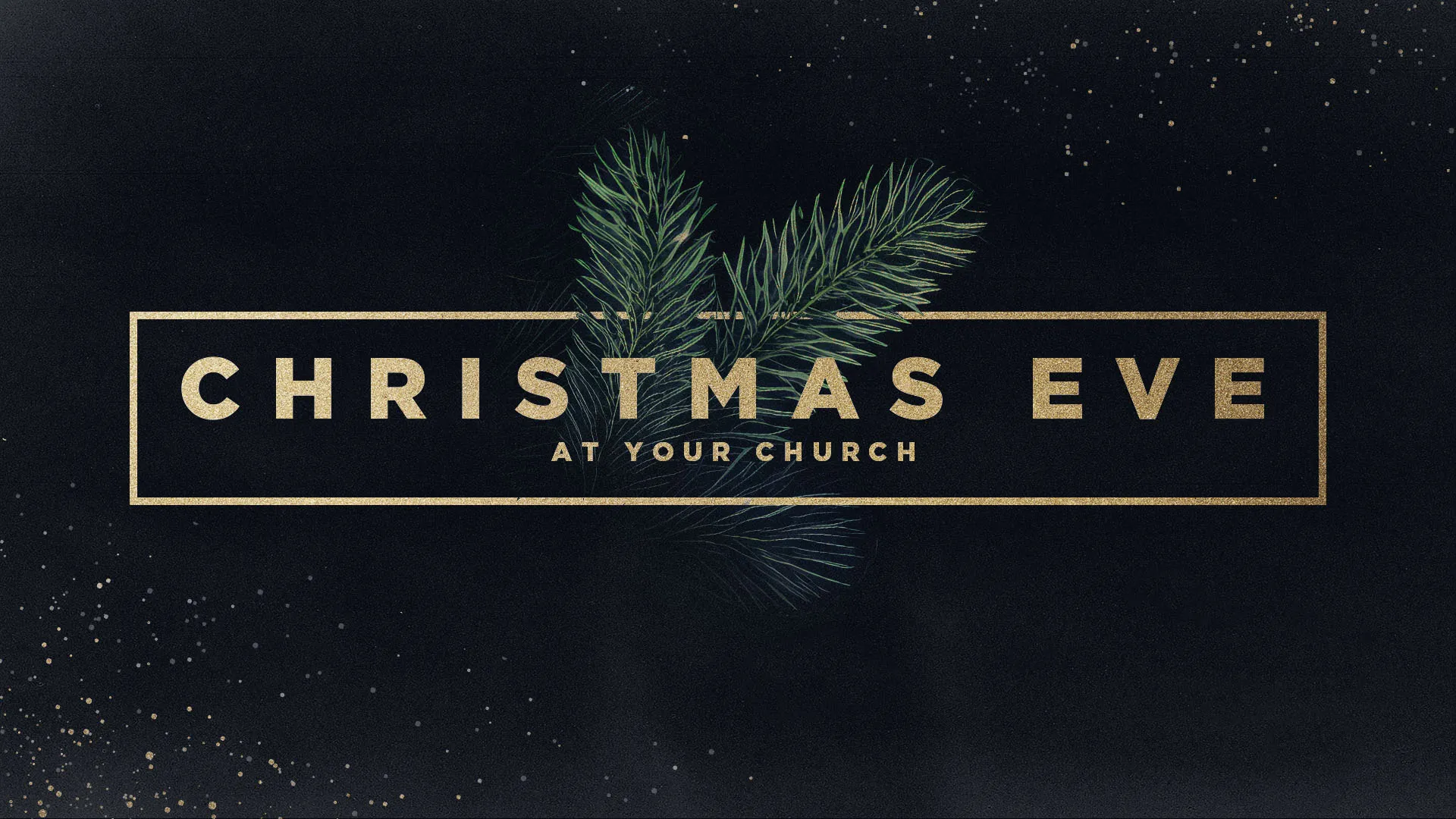
- Title slide. On the screens while people find a seat, and again when you welcome guests.
- Blank background. The same art without the words, for song lyrics.
- Notes slide. Room for the scripture reading or a sermon point.
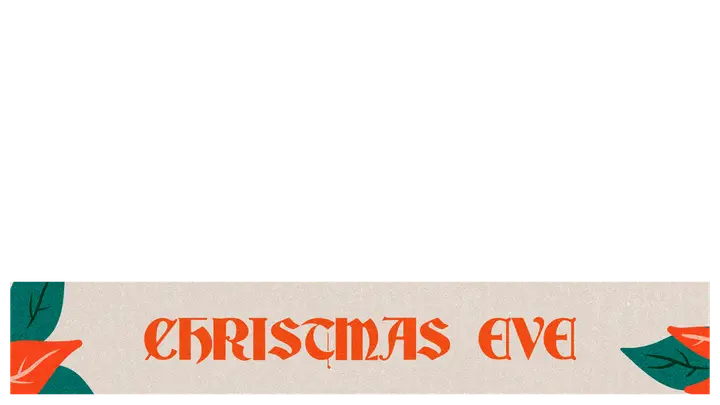
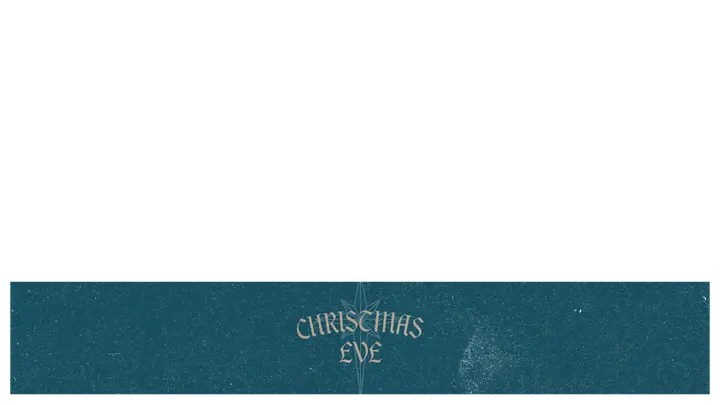
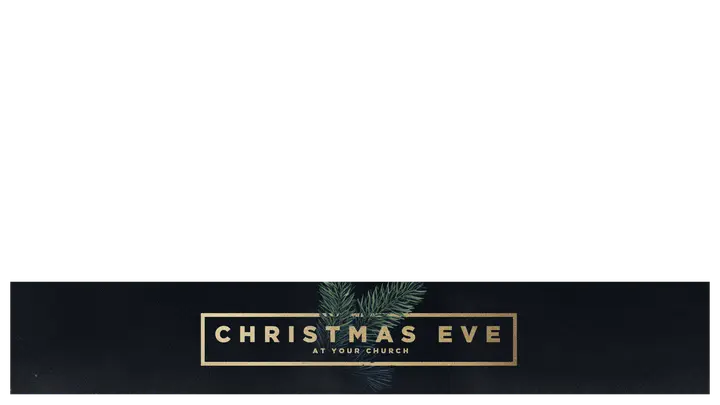
- Lower thirds. A reader's name, a carol title or "Luke 2:1-20" along the bottom of the livestream.
- Candle-lighting slide. One short slide that says when to light candles and how to pass the flame. After that, take the screens dark.
Online
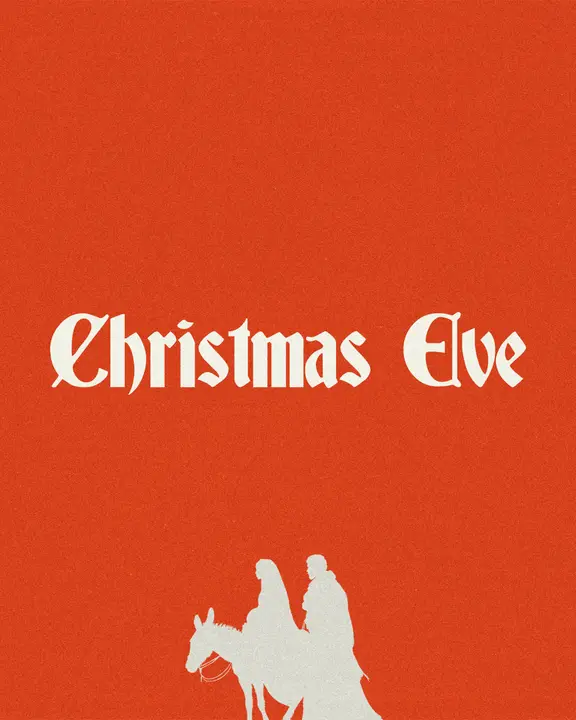
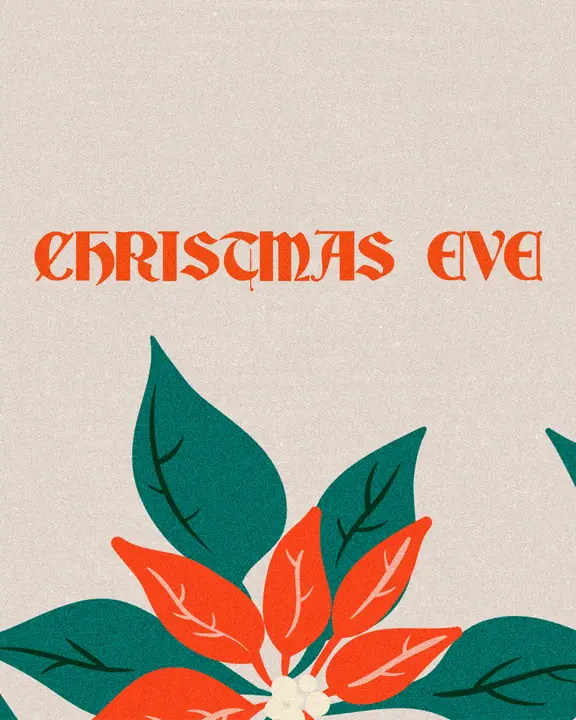
- Social post (4:5). Your main announcement, and the one people share.
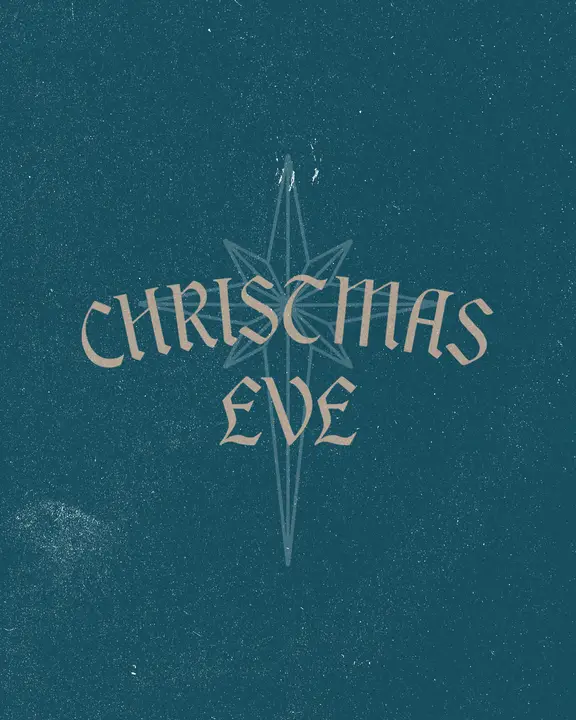
- Story (9:16). For countdowns and day-of reminders.
- Facebook cover. Swap it in when promotion starts, around the first Sunday of Advent.
- Your website. Put the title slide at the top of the home page with the service times under it.
In print
- Invite cards. The social post is already 4:5, so it prints as a 4 x 5 inch card. Hand out a stack the Sunday before so people can invite a neighbor.
- Programs and signs. Use the blank background behind the order of service and on the parking signs.
christmas eve templates
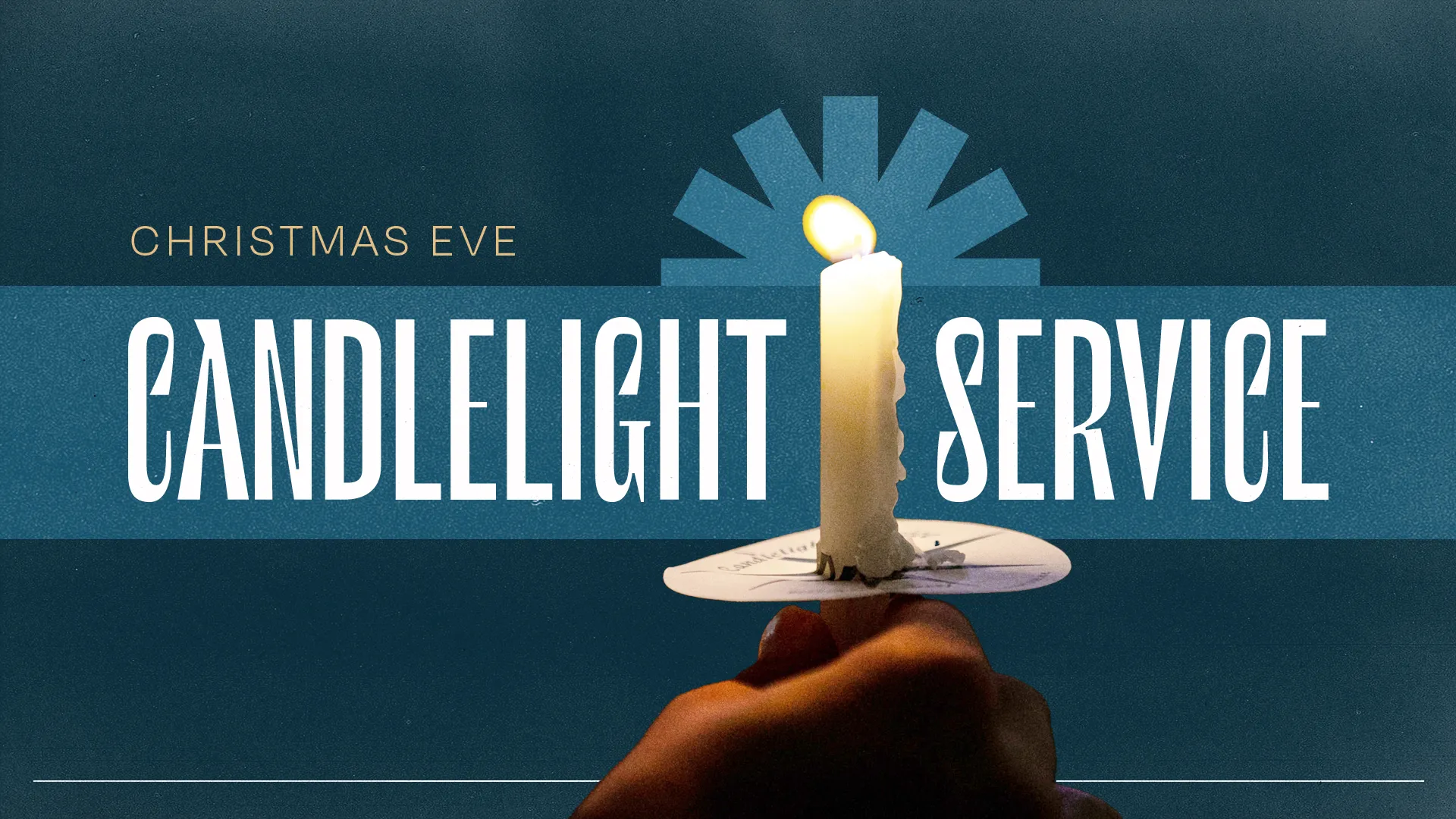

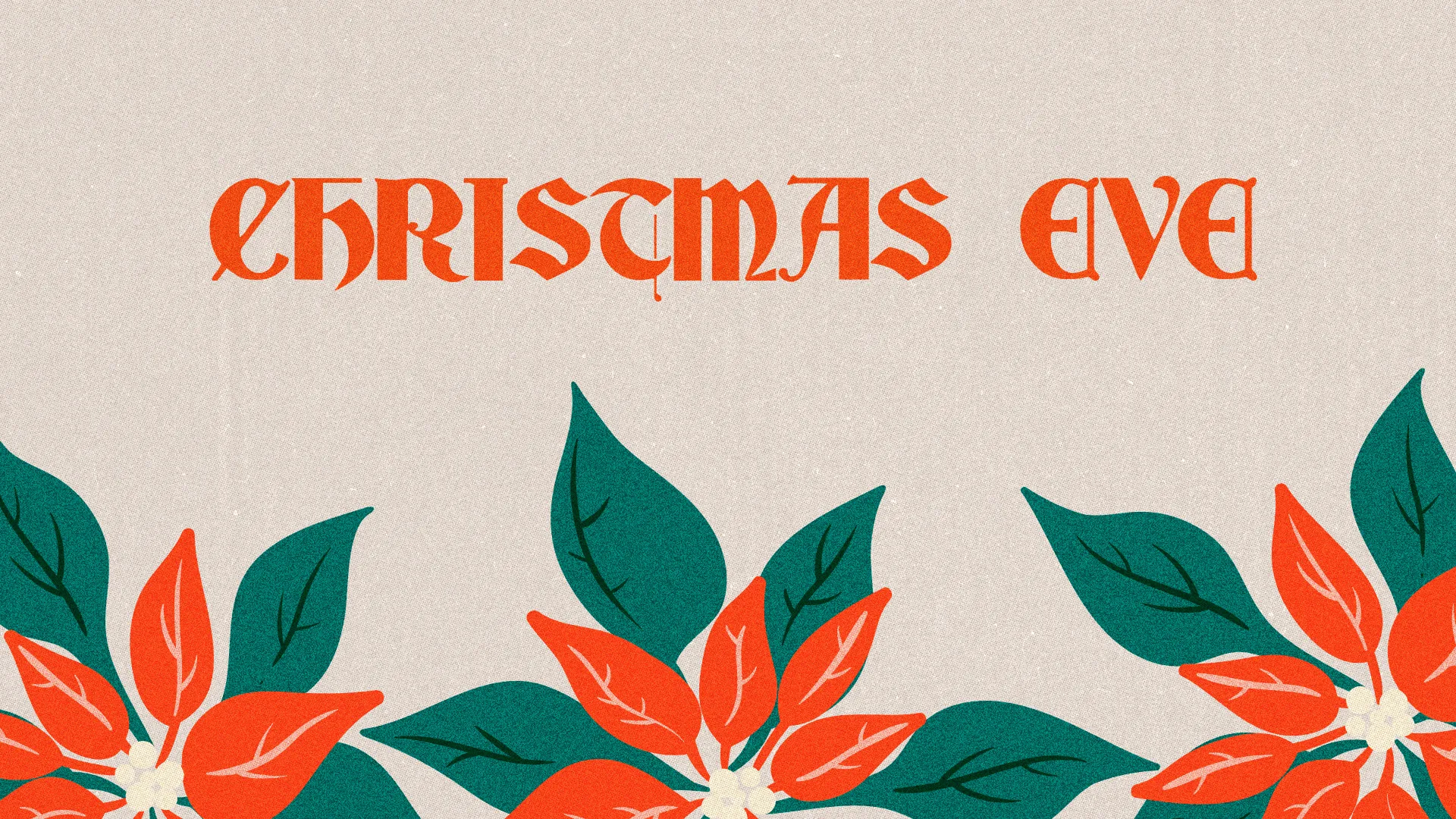
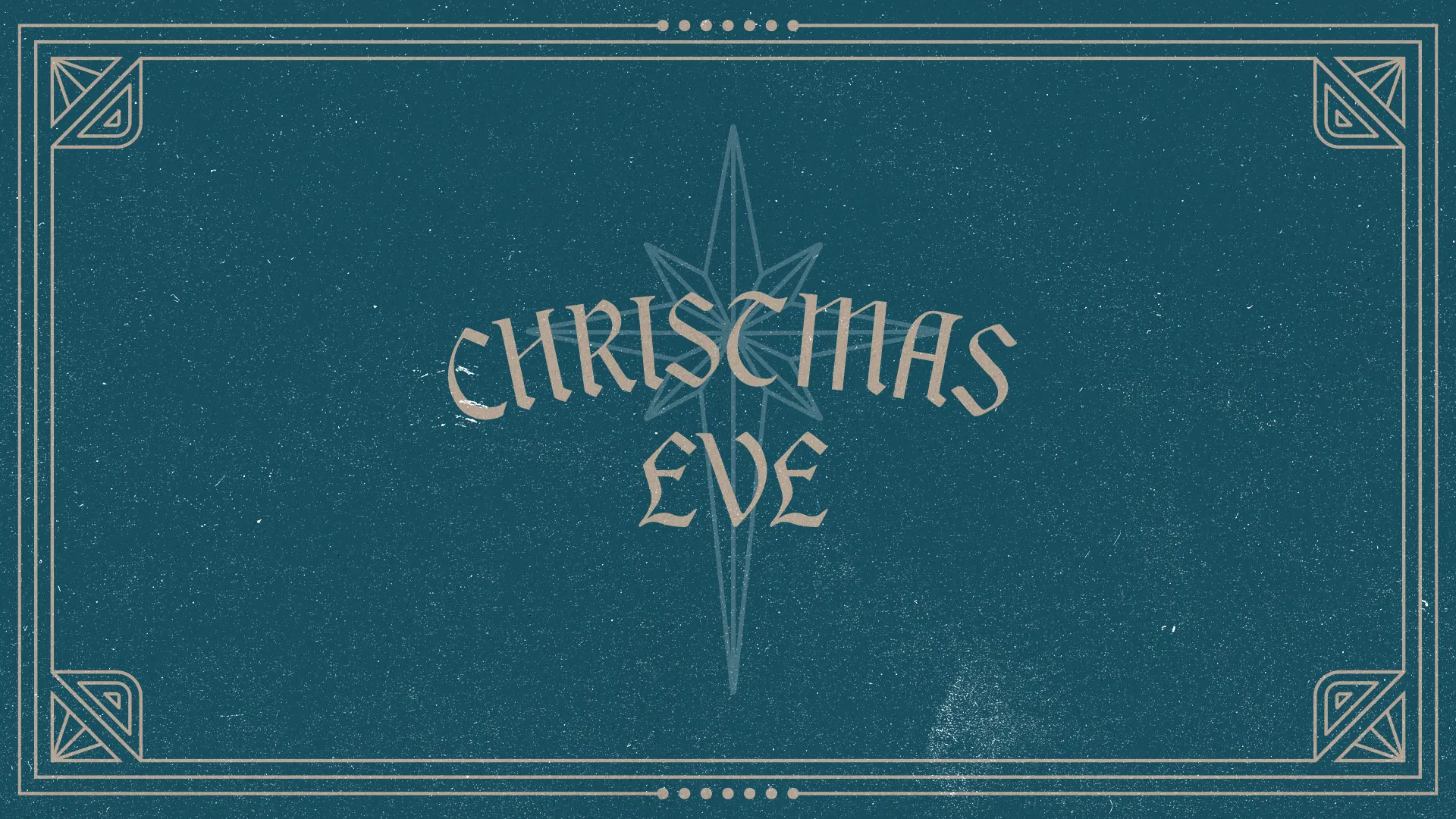
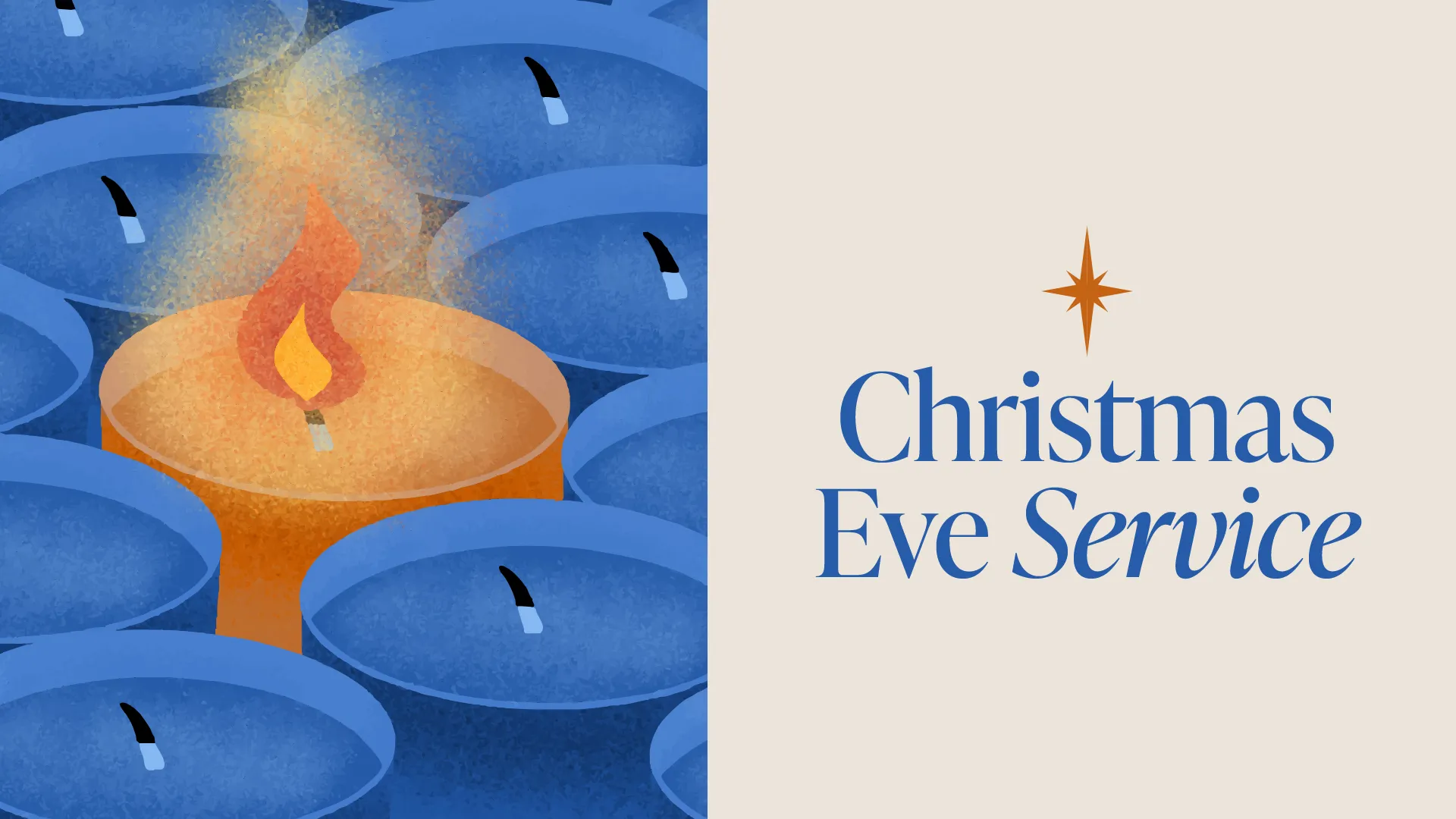
A four-week posting plan
Christmas Eve 2026 is a Thursday. Counting back from December 24:
- Sunday, November 29 (four weeks out, the first Sunday of Advent). Show the title slide in the announcements, change the Facebook cover and post the social graphic with every service time.
- Week of December 6. Post again with the details parents look for: childcare, any kids' program, how long the service runs.
- Sunday, December 13. Hand out invite cards. Post a story asking people who they're bringing.
- Sunday, December 20. Announce it from the stage one more time, pin the post to the top of your page and start a story countdown.
- December 22 to 24. A story each day. On the 24th, post the times and parking with "see you tonight."
- December 25 to 27. A thank-you post with a photo from the service and an invite to next Sunday.
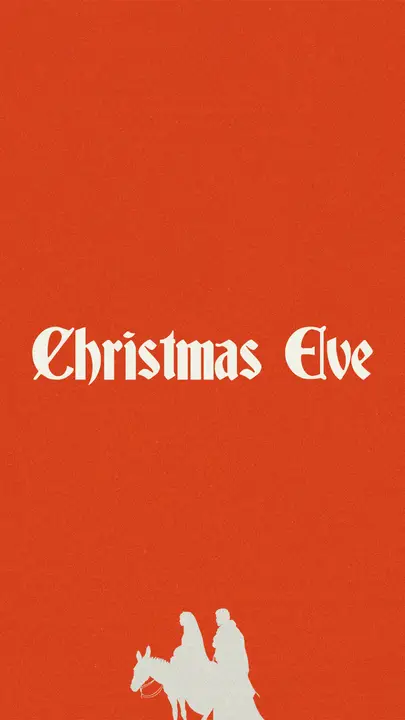
the social post
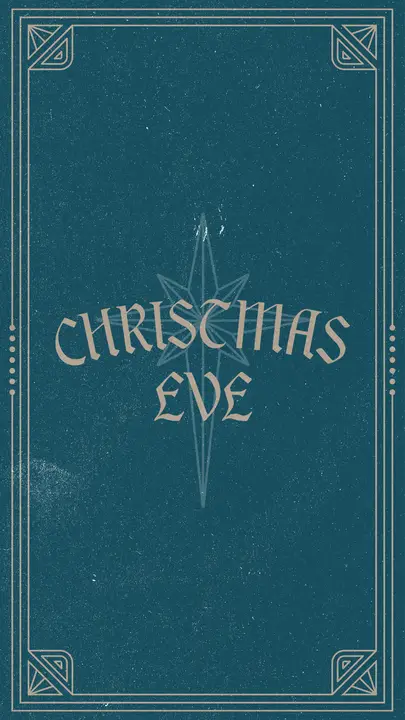
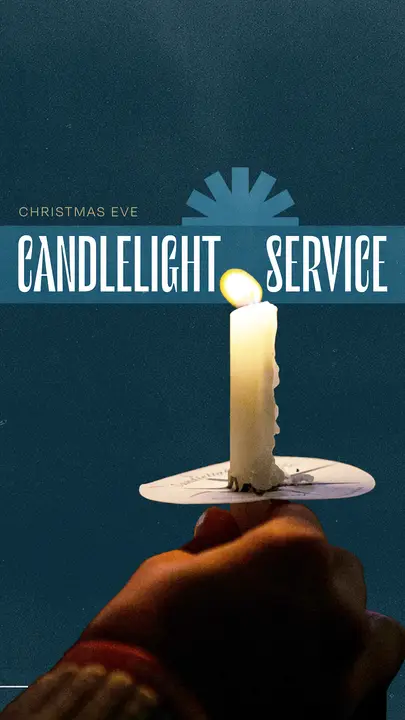
the story

What to put on them
Guests want four things answered: what time, how long, what about my kids and where do I park. Answer them on the graphic or right under it in the caption.
- Call it what it is. "Christmas Eve Candlelight Service" beats a clever name. It's what people type when they look for a service near them.
- Every service time, with the day. "Thursday, December 24 at 4, 6 and 11 pm."
- How long it runs. "About an hour" tells a parent the kids will make it.
- Where. Your address, or the campus name if you have more than one.
- One place to find out more. Your website or the event page. Just one.
On the graphic itself, keep to what someone can read in the two seconds a post gets on a phone. Everything else goes in the caption.
On the night
As people walk in, put the title slide (or a slow motion loop) on every screen. For the readings, show the verse on the notes slide and a lower third on the livestream so people at home know who's reading. Put lyrics on the blank background, big and high-contrast, because the lights will be low.
When the candles are lit, turn the screens off or go to black. A screen can't compete with a room full of candles, and it shouldn't try.
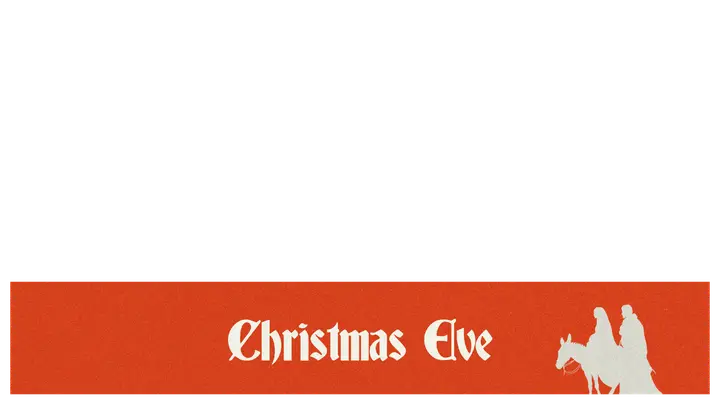
the lower third
Getting it all done in one afternoon
You don't have to design eight pieces. Most of our Christmas Eve templates come with the whole set: title slide, blank background, notes slide, social post, story, Facebook cover and lower thirds, as ready-made images and layered Photoshop files in HD and 4K.
Change the service times and you're done. Edit in Photoshop, in Photopea (free, in your browser) or in Remix Studio, our browser editor, where 700+ templates open ready to edit on the Standard and Pro plans. Pro members can also ask us to retitle a template for them.
Find a design on our Christmas church graphics page, browse every Christmas template, or see what All Access includes.