Year-end giving graphics: how to talk about giving on screen and online in December

Year-end giving needs a handful of graphics: a ways-to-give slide, a slide for your year-end or Christmas offering, a social post and a story, and a thank-you post in January. Use them on a plan, a few times in December, and spend most of your words on what giving did this year.
Many people make their biggest gift of the year in December, often in the last week. They're also hearing from every charity they've ever supported. The churches that do this well say less, show more and thank people afterward.
The pieces
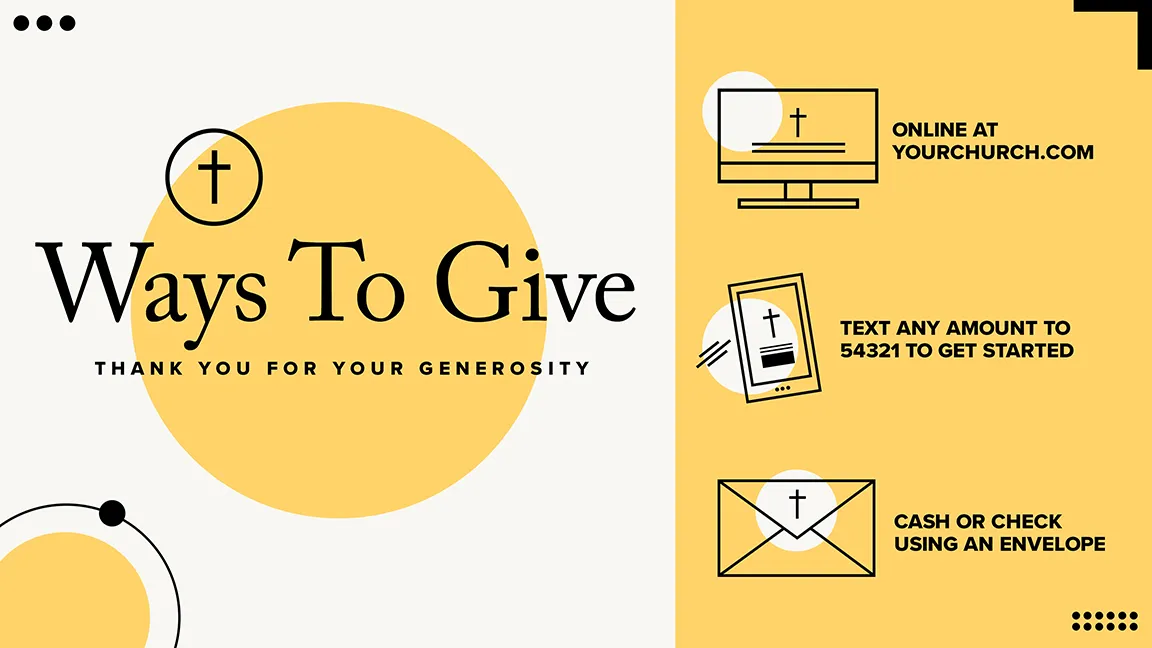
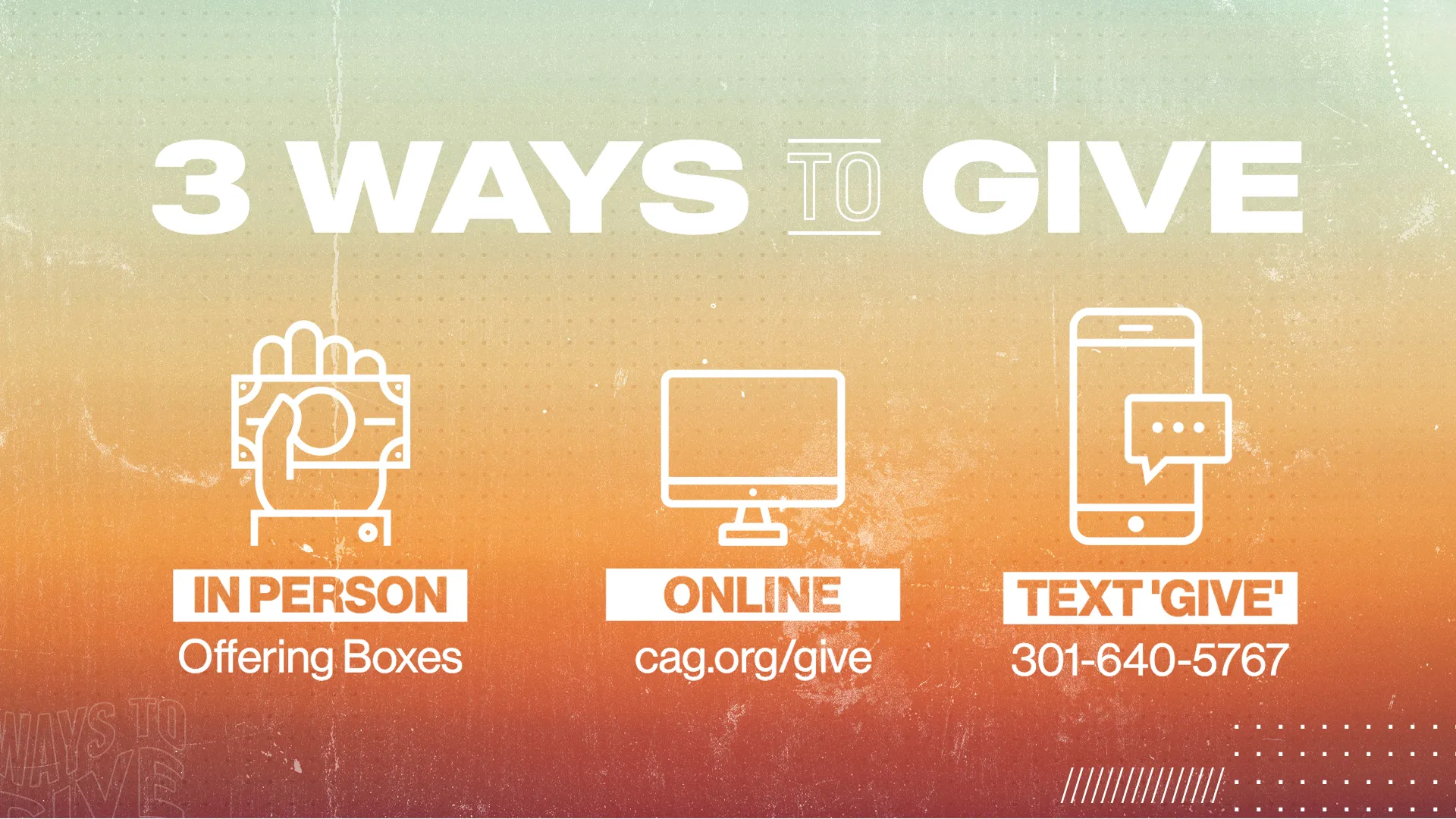
- Ways-to-give slide. Every way to give on one screen: online, the app, text, in person. Show it during the offering all month.
- Offering slide. If you take a Christmas or year-end offering for something specific, give it its own title slide and name what it's for.
- Social post and story. For Giving Tuesday, the offering Sunday and the last days of the year.
- Facebook cover. Swap it in for December.
- A "here's what you did" slide. One number or one photo from this year: families fed, kids at camp, a new roof. It does more than any appeal.
giving templates




A December plan that doesn't nag
- Tuesday, December 1 (Giving Tuesday). One social post and one story. Lead with what giving did this year, then the link.
- Sunday, December 6. Show the ways-to-give slide during the offering. Mention the year-end offering once.
- Sunday, December 13 or 20. The offering Sunday. Title slide in the announcements, the "here's what you did" slide before the offering, a social post that afternoon.
- December 29 and 31. A story each day: "Giving before the end of the year? Here's how." With the link.
- Sunday, January 3. A thank-you post and slide. Say what the offering will do.
That's about eight posts in a month. Between them, post about everything else your church is doing. People don't mind being asked twice. They mind being asked every day.
the social post



What to put on the slide
- What the gift does, in one line. "Every gift this month helps us finish the kids' wing."
- Each way to give, with the exact web address, text number and keyword, or where to find the app.
- A QR code that goes straight to the giving page.
- No guilt. "Give if you're able" lands better than "we're behind budget."
Test the QR code from the back row before Sunday. If it won't scan from there, make it bigger.
the story



Getting it done
Most of these templates come with a slide, social post, story and Facebook cover, as ready-made images and layered Photoshop files. Change the web address and the offering details and they're ready. Edit in Photoshop, in Photopea (free, in your browser) or in Remix Studio, our browser editor, where 700+ templates open ready to edit on the Standard and Pro plans.
Browse our slide templates for more ways-to-give slides, or see what All Access includes.